How to Make Perfect Video Calls Every Time
Did you know over 70% of employees feel more engaged in virtual meetings when tech works well? Today, knowing how to make great video calls is key for both work and personal life. I’ve learned that the right tech setup is vital for smooth virtual meetings on platforms like Zoom and Skype.
In this article, I’ll share important steps for successful video calls. I’ll cover testing your tech, preparing your space, and using good communication skills. These tips will help you make a strong online impression.
With more people working remotely, it’s critical to know how to make video calls inviting and free from tech issues. Let’s explore how to improve our video call experiences.
Key Takeaways
- Test your camera, microphone, and internet connection before starting a call.
- Choose a quiet, well-lit environment to enhance focus during meetings.
- Engage actively through body language and personalized interactions.
- Minimize distractions to show professionalism and respect for others’ time.
- Use visual aids to clarify complex information and enhance communication.
Preparing for Successful Video Calls
Getting ready for video calls is key. I focus on three main things: checking my tech, picking the right spot, and having backup gear. Each part helps make my video calls smooth and clear.
Testing Your Technology
It’s important to test your tech well. I check my webcam, microphone, and internet often. I also test with friends to find any problems early.
For the best call, I need at least 1 Mbps internet for 720p video. This way, I can fix any issues before the call starts.
Choosing the Right Environment
The place you call from matters a lot. I choose a quiet, bright spot with a simple background. Natural light is best, but I use desk lamps if needed.
A clean, quiet space makes me look good and helps build trust. I also wear simple, solid colors to look better on camera.
Having Backup Equipment
Being ready for tech problems is important. I have extra mics and webcams for any issues. I also use a wired internet connection to avoid drops.
This planning keeps my calls clear and reliable. It’s all about being prepared.
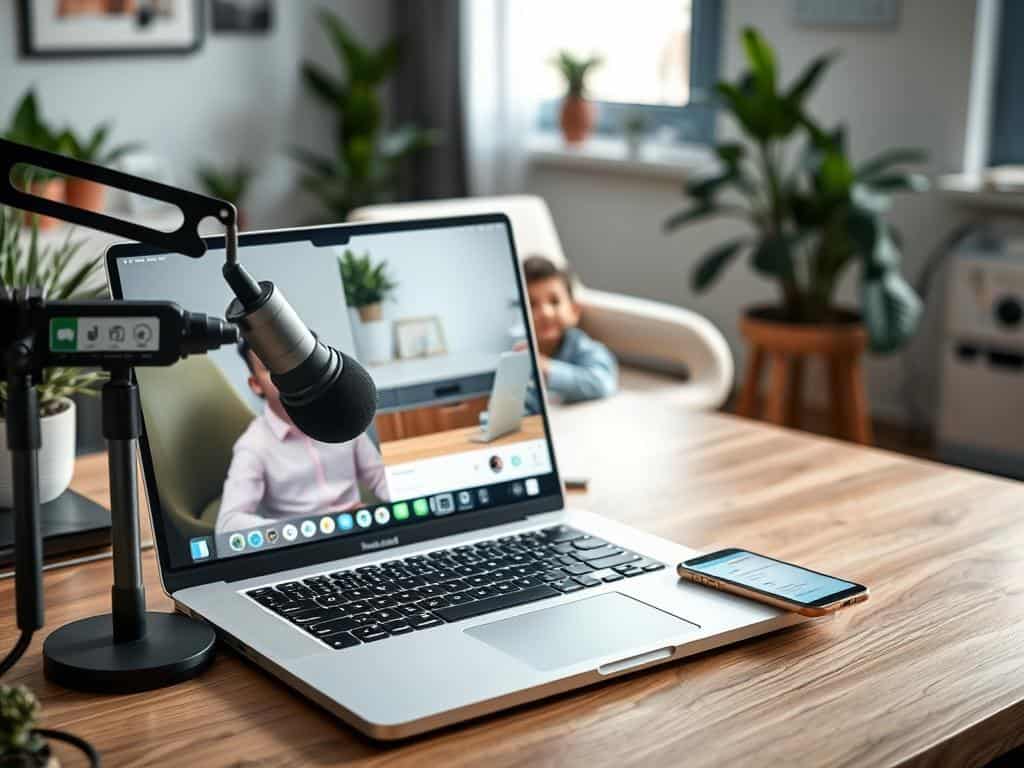
Best Practices for Effective Video Calls
Improving interaction quality on video calls is key to successful communication. Using smart communication methods, visual aids, and reducing distractions makes calls better for everyone.
Engaging Communication Techniques
To keep people engaged on video calls, I use effective communication. Looking into the camera makes me feel connected, like we’re face-to-face. This simple step makes our talks more effective.
I also listen actively, which helps me respond well and connect with others. It’s important to stay focused and avoid distractions, like checking my phone. This keeps our discussions respectful and on track.
Visual Aids and Presentation Materials
Visual aids help make presentations clearer and more impactful. Sharing screens or slides helps explain complex ideas. It’s important to keep visuals simple and uncluttered.
Preparing materials ahead of time and outlining key points helps our call flow smoothly. This makes our discussion more engaging for everyone.
Minimizing Distractions
A quiet, focused space is vital for productive video calls. Before we start, I turn off notifications and let others know I’m busy. A “Do Not Disturb” sign shows my dedication to the conversation.
Having a clean, distraction-free background helps too. It reduces interruptions and keeps our call focused and engaging.
Conclusion
Mastering video calls is key for good communication in today’s work world. By preparing well, testing tech, and choosing the right setting, each call can show professionalism. Using good communication skills and quality equipment makes virtual meetings clear and impactful.
Remote work is changing how we work together. Video calls are now a big part of team connection. I need to keep improving my video call skills, using feedback and new tools to make them better. This helps everyone feel included and boosts productivity.
Using these tips helps me overcome video call challenges and get the most out of them. This leads to stronger relationships and a competitive edge in business. Spending time to get better at video calls makes every interaction count.


Best Tools for Smooth Online Collaboration

Escape the Dead Zones: a Sci-fi Guide on How to Improve Home Wifi Signal Strength and Reclaim Your Digital Galaxy

How to Set Up the Perfect Home Network
About The Author
