The Best Ways to Share Files Securely Online
Did you know the average cost of a data breach is now $3.86 million? This is from IBM’s Cost of a Data Breach Report. It shows how important secure online file sharing is today. With more work done online, keeping data safe is a big challenge.
I will look at different ways and tools for safe document sharing. We’ll make sure your privacy is protected and follow data rules.
Key Takeaways
- The average cost of a data breach is currently $3.86 million, stressing the need for secure file sharing.
- File encryption is key for safe online file sharing, making data unreadable until the right person accesses it.
- Using password managers and enabling two-factor authentication greatly boosts file security.
- Services like Dropbox, Google Drive, and Microsoft OneDrive offer secure cloud storage solutions that work well with what you already use.
- End-to-end encryption is vital for keeping sensitive documents safe from unauthorized access, even on mobile devices.
Understanding the Importance of Secure Online File Sharing
Technology keeps getting better, making it key to know about secure online file sharing. Sharing sensitive info can lead to big data breaches. These breaches can cost a lot, so choosing the right way to share files is very important.
Data Breaches and Their Consequences
A recent study by IBM found the average cost of a data breach is £3.8 million. Companies face big financial losses and can lose customer trust. This is true for industries like healthcare, where data protection is a must.
Under laws like HIPAA, companies can face huge fines and even jail time for serious mistakes. Sharing files without security can let in malware and ransomware. This can cause huge problems for both people and businesses.
Why Privacy Matters
Privacy is key to keeping your reputation and protecting important data. Solutions like TitanFile use end-to-end encryption and access controls. They follow rules like GDPR and HIPAA, making sure your data is safe.
By choosing secure ways to share info, you can keep your data safe from hackers. They are always looking for ways to get into your files.
Best Tools for Secure Online File Sharing
Choosing the right tools for secure online file sharing is key. There are many options that balance privacy and function, meeting various needs. Here’s a look at some top tools for safe and efficient file sharing.
Open Source Cloud Storage Solutions
Open source cloud storage solutions are strong for secure file sharing. Proton Drive leads in privacy and security, encrypting files fully. Tresorit is another top choice, with end-to-end encryption and zero-knowledge architecture.
Sync.com also focuses on privacy and security, making it a great option. These solutions protect my data and are easy to use.
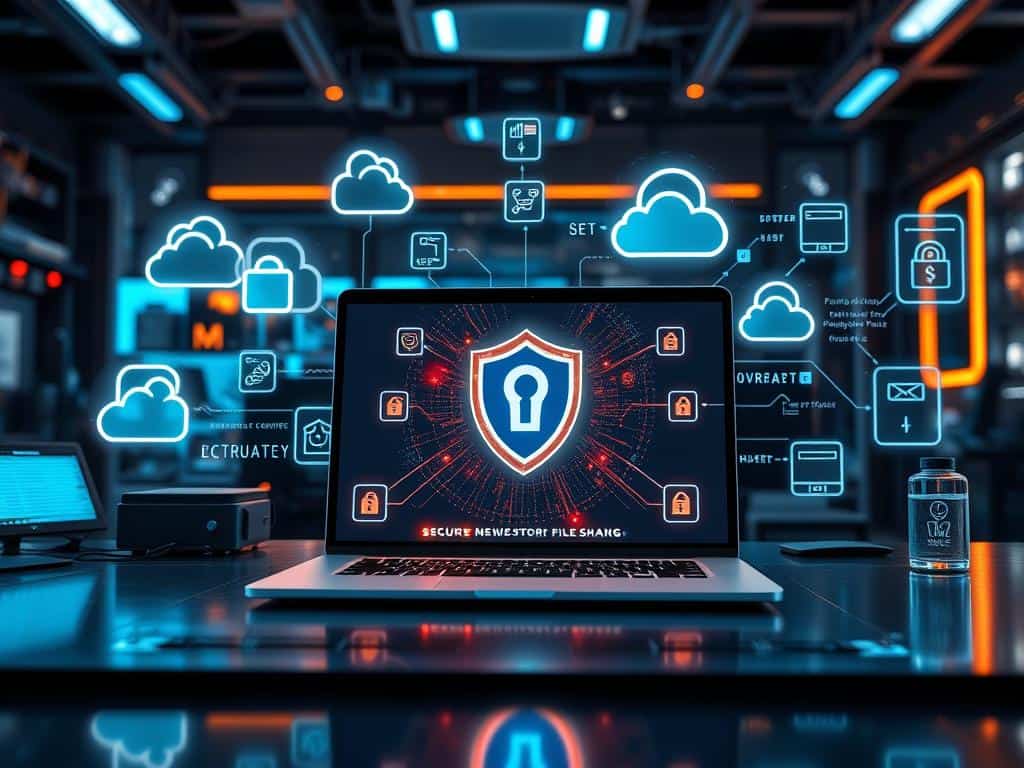
Encrypted Messaging Apps
Encrypted messaging apps are also key for secure file sharing. Apps like Signal are known for top security and ease of use. They let me send files safely, keeping my info private.
Using encrypted messaging ensures my sensitive data stays safe. These apps are vital for extra security when sharing files.
Best Practices for Secure File Transfers
To keep your data safe during transfers, follow some key steps. Start with strong encryption. This protects your sensitive info from hackers and unauthorized access.
Utilizing Strong Encryption Techniques
When you send files, strong encryption is a must. There are two main types: symmetric and asymmetric. Symmetric uses one key for both, while asymmetric uses a public key for encryption and a private for decryption.
Use secure protocols like FTPS, SFTP, and HTTPS. This keeps your data safe and prevents it from being intercepted. These steps greatly lower the chance of data breaches, making your transfers more secure.
Employing Password Managers and Two-Factor Authentication
It’s smart to use password managers for complex passwords. This makes it harder for hackers to get in. Also, add two-factor authentication (2FA) for extra security.
2FA asks for a second verification, like a code sent to your phone. This limits access to only those who should have it. Together, these steps make your file transfers much safer.
Conclusion
Secure online file sharing is key in today’s digital world. With more people using cloud services like Dropbox and Google Drive, we need safe ways to share files. Using strong encryption and trusted platforms helps protect our data from breaches.
Remote work has made secure file sharing even more important. It lets us work from anywhere without losing security. But, we must be aware of internet connection issues and service downtime. Choosing the right tools is essential for both security and function.
By adding cybersecurity steps and following best practices, I keep my data safe. This not only protects my information but also builds trust with others. It creates a secure environment for sharing files.


Internet Laws You Didn’t Know Existed

The Secret to Perfect Router Placement Revealed!

Top Tips for a Smooth Online Streaming Experience
About The Author
