10 Browser Extensions You Shouldn’t Live Without
Did you know over 70% of users feel more productive with browser extensions? These must-have add-ons have become vital tools in our digital lives. They help with everything from password management to improving writing skills.
Recently, I lost all my Google Chrome extensions due to a computer issue. It showed me how important these tools are. Without them, doing online tasks became much harder.
This article will show you the best Chrome extensions for better browsing and productivity. You’ll find out about the hidden gems that can change how you use the internet.
Key Takeaways
- Browser extensions can increase productivity significantly.
- LastPass allows secure password sharing within teams.
- Grammarly aids in correcting spelling and grammar errors.
- WhatFont identifies fonts used in web design.
- Image Capture simplifies taking full-page screenshots.
- The Great Suspender helps optimize memory usage by suspending inactive tabs.
- Pinterest Save Button makes saving ideas from the web effortless.
Enhance Your Productivity with These Browser Extensions
Using the right browser extensions can really boost your productivity. Here are three key tools for different parts of your digital life. They help you stay organized and secure while making your daily tasks easier.
LastPass for Password Management
LastPass is great for managing all those passwords you need for different accounts. It securely stores your login details and even creates strong passwords for new ones. With LastPass, accessing your favorite websites is easy and stress-free.
Grammarly for Writing Support
Grammarly is a top choice for anyone who wants to communicate well. It checks your grammar and spelling in real-time. This means you can write emails and social media posts without worrying about mistakes.
Todoist for Task Management
Todoist is perfect for those who love to stay organized. Its easy-to-use interface lets you prioritize tasks easily. You can even add tasks from web pages. With Todoist, managing your to-do list is a breeze.
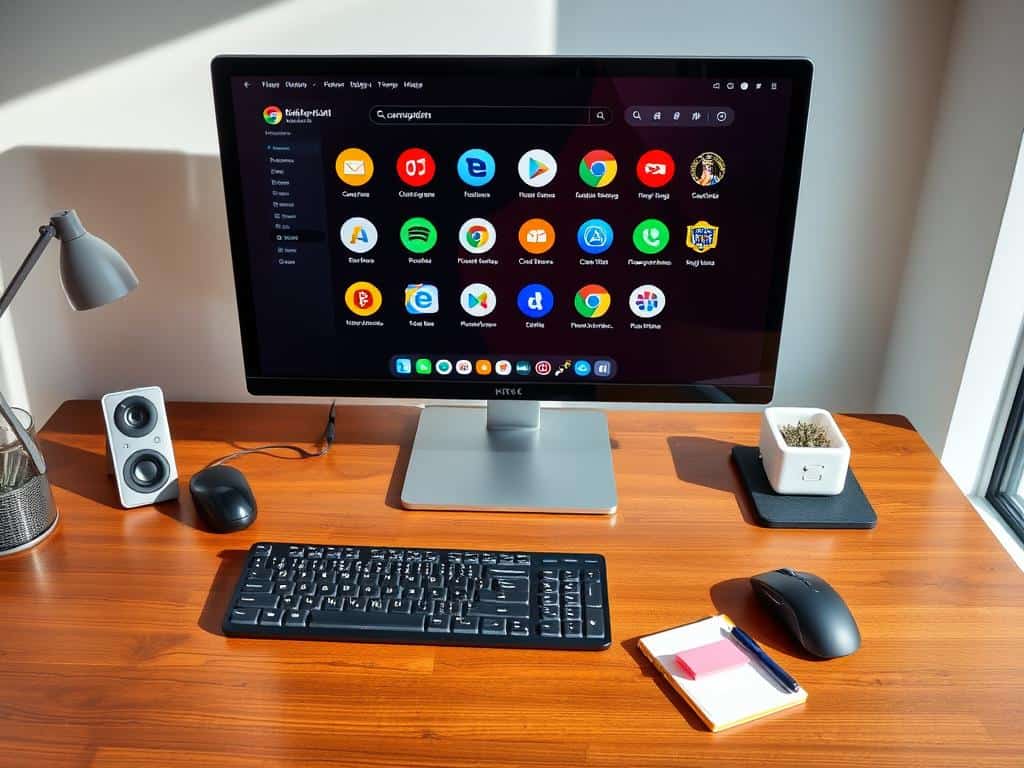
Top Browsing Enhancements That Change the Game
Looking for the right browser extensions can really change how you work. I’ll talk about three top tools that make browsing better today.
WhatFont for Web Design Insights
WhatFont is key for web designers. It makes finding font types and styles easy. Just hover over text to see details like size and color.
This tool makes web design faster and better. It’s a big help in my work.
Image Capture for Seamless Screenshots
Image Capture makes taking screenshots easy. It captures a whole page in one click. This saves time and makes sharing info easier.
This tool shows how good browsing tools should be.
The Great Suspender to Improve Performance
Keeping your browser fast is important, like when you have many tabs open. The Great Suspender suspends inactive tabs to keep things running smoothly.
Conclusion
As I wrap up this look at essential browser extensions, I see how big of a difference they make. The right tools can change how we use the internet. They help us work better and faster, from managing passwords with LastPass to improving writing with Grammarly.
These tools make it easier to get through our daily tasks. They help us do research and interact online more smoothly. But, it’s also important to watch out for risks. We should pick our extensions carefully and choose trusted sources to keep our online world safe.
In the end, the right browser extensions save us time on boring tasks. They make our online time more productive and fun. This shows how important it is to use the latest technology to our advantage.


What is the Digital Divide and How Can We Fix It?

What Are Internet Protocols? Explained Simply

Broadband vs Fiber Internet: Which is Better?
About The Author
