How to Test Your Internet Speed (And Improve It!)
Did you know 42% of Americans have internet speeds below the minimum broadband connection set by the FCC? The FCC requires at least 25Mbps download and 3Mbps upload. Many users don’t know their internet’s true speed. Testing your internet speed can show you how it’s doing and help you improve it.
In this article, I’ll explain why knowing your internet speed test is important. I’ll show how it can make your browsing, streaming, and gaming better. By the end, you’ll see why knowing your speed is key and how to test and improve it.
Key Takeaways
- Understanding your current internet speeds empowers users for better performance.
- Regular testing can lead to significant speed optimization for daily activities.
- An internet speed test helps identify bottlenecks in your connection setup.
- Fiber connections provide the fastest speeds, often exceeding 1,000Mbps.
- Testing through different devices may yield varying results; Ethernet connections are optimal.
Understanding Internet Speed Tests
An internet speed test is key for checking your internet connection’s quality. It shows download and upload speeds in megabits per second (Mbps). This helps users see if their connection matches what their ISP promises.
What is an Internet Speed Test?
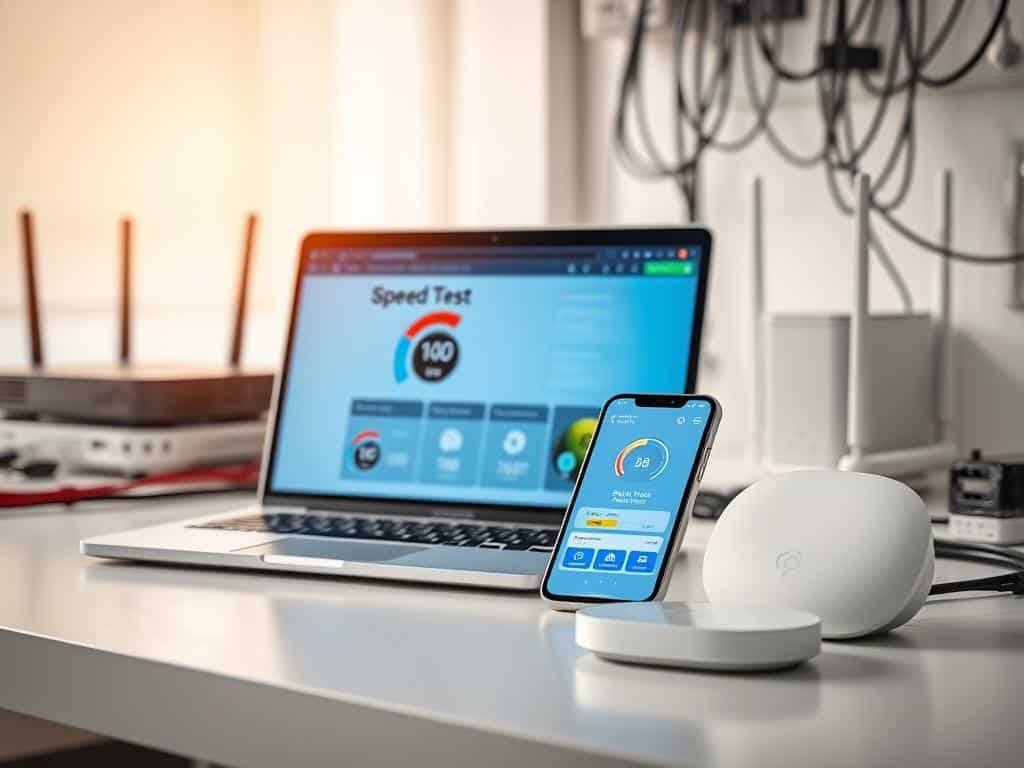
An internet speed test checks how fast data moves from the internet to your device and back. These tests usually take about a minute. They give results for download speed, upload speed, and ping time, which shows connection latency. Knowing these helps figure out if you’re getting the speed you pay for.
The Importance of Speed Checkers
Speed checkers are essential for spotting internet performance problems. They show if your connection meets your needs and can highlight issues needing ISP help. Regular tests help keep an eye on speed changes, making sure your service stays good.
Factors Affecting Test Results
Many things can affect internet speed test results. Network congestion can slow speeds, more so during busy times. The test’s location relative to the server also matters; closer tests are more accurate. Devices connected to your network can also cause speed variations. Knowing these factors helps understand test results and solve connection problems.
How to Effectively Test Your Internet Speed
Knowing how to test your internet speed is key to getting the best service. There are many speed test tools out there, each with its own features. I’ll show you some popular ones, guide you on how to run a test, and explain what the results mean.
Choosing the Right Speed Test Tools
Picking the right speed test tool is important for accurate results. Sites like Speedtest.net and TestMy.net give detailed metrics and are favorites for checking internet speed. Fast.com, owned by Netflix, is simple and just tests download speed. Google’s Internet Speed Test and Bing’s tool powered by Ookla are also good for quick checks. Knowing what each tool offers helps you choose the best one.
Step-by-Step Guide to Running a Speed Test
Before you start, make sure your device is plugged directly into your router with an Ethernet cable. This gives you the most accurate results. Then, close any apps that might use up bandwidth during the test. Pick a server close to you to avoid delays. After that, just open your chosen speed test tool and start the test. It usually takes just a minute to see your internet speed.
Interpreting Your Speed Test Results
After you’ve run a speed test, understanding the results is important. Look at ping, download speed, and upload speed to see how your internet is doing. A low ping means fast response times, and high speeds mean your internet is strong. With tools like TestMy.net, you can see how these numbers affect your daily activities, like streaming or gaming.
Conclusion
Understanding your internet speed is key for a great online experience. The internet has gotten much faster over the last decade. Now, many people enjoy speeds ten times faster than before.
Tools help measure your internet speed. They show how fast your data moves, how long it takes to get there, and how steady it is. This info helps fix any speed problems.
Using speed checkers helps find and fix internet issues. Different types of internet have their own strengths and weaknesses. This means we need to find the best way to make our internet faster, based on our own needs.
By testing your speed often and keeping your router updated, you can make your internet better. This makes browsing faster and more enjoyable.
I suggest you test your internet speed regularly. Use the tips from this article to make your internet faster. This will make your online experience smoother and more efficient.

How to Make Perfect Video Calls Every Time

Best Devices for Streaming Movies and Shows Online

How to Protect Your Privacy Online in 2024
About The Author
