Extend Your Laptop’s Life with These Maintenance Tips
When I bought my laptop, it was fast and ready for work and fun. I was excited to start using it. But after a few years, it started to slow down and show wear.
This made me realize that even the latest tech needs care. Taking good care of your laptop can make it last longer and work better.
Spills and dust can harm my laptop. I learned that keeping it clean is key. By taking care of my laptop, I avoid expensive fixes and keep it reliable for years.
Key Takeaways
- Regular maintenance tips can significantly extend a laptop’s life.
- Avoid food and drinks near your device to minimize risks.
- Keeping software updated is critical for safety.
- Cleaning your laptop inside and out helps it last longer.
- Use padded bags to protect your laptop when traveling.
- Proper storage keeps your laptop in good shape.
Essential Laptop Care Tips for Longevity
Keeping your laptop in good shape is key to its long life and best performance. By following a few simple care tips, I can make my laptop last longer. Here are four important practices I use to keep my laptop in top condition.
Keep Food, Drinks, and Liquids Away
I always keep snacks and drinks far from my laptop to prevent spills. I make sure to keep a 20-30 centimeter gap. This simple rule helps protect my laptop and keeps it clean.
Invest in Dedicated Cleaning Solutions
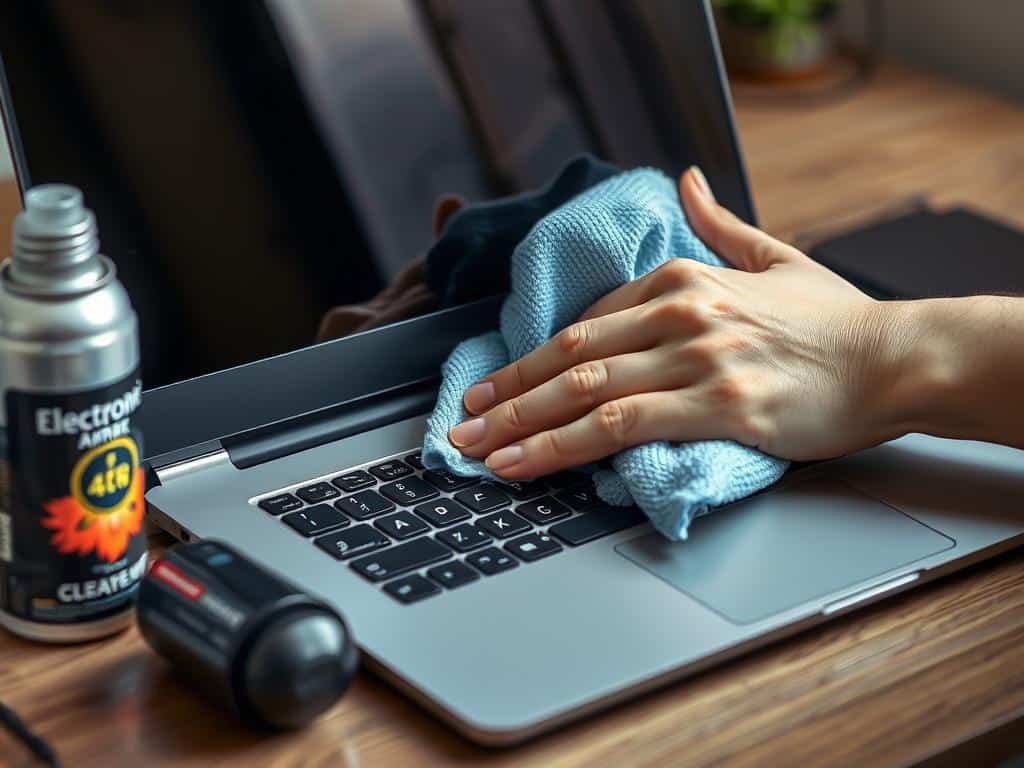
I use special cleaning solutions for my laptop. A microfiber cloth with 75% rubbing alcohol cleans screens and keyboards safely. I avoid using household cleaners, as they can harm my device. Proper cleaning keeps my laptop running smoothly.
Let Your Laptop Breathe
To keep my laptop running well, I make sure it has good airflow. I use a flat, rigid surface to prevent overheating. When doing intense tasks, I use a cooling pad to keep temperatures down. This helps avoid overheating problems.
Store Your Device Properly
Storing my laptop right is important for its longevity. I keep it away from direct sunlight and extreme temperatures. Using a padded sleeve or case from a trusted brand protects it from impacts and scratches.
Enhancing Performance with Regular Maintenance
Regular maintenance is key to keeping my laptop running smoothly. I focus on software updates, storage management, and antivirus protection. This helps my device run better and last longer.
Update Software Regularly
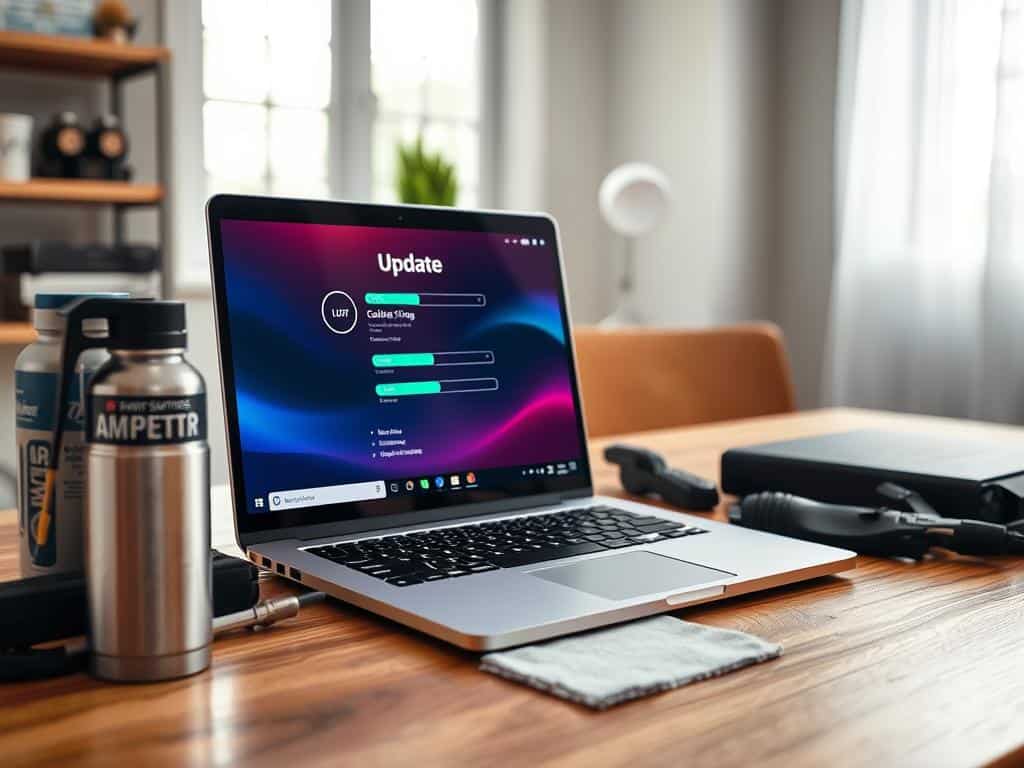
Keeping my laptop updated is vital for its performance. Old software can cause problems like slow speeds and security issues. I set my laptop to update automatically, keeping it current with the latest features and fixes.
Remove Unused Apps and Files
Unused apps and files slow down my laptop. I manage my storage by removing unused apps and cleaning up files. This makes my laptop faster and more efficient.
Stay Virus-Free
Having good antivirus protection is important to me. Regular scans and being careful with websites keep my laptop safe. A virus-free system keeps my laptop fast and protects my data.
Conclusion
Keeping my laptop in top shape is a big job, but it’s worth it. I make sure to avoid spills and clean it often. This helps it run smoothly for a long time.
I also protect my laptop from power surges and viruses. This makes using it safer and more enjoyable. It’s all about taking care of my device.
Staying up-to-date and removing unused apps helps too. It keeps my laptop fast and safe from harm. I also watch the temperature to avoid overheating.
Keeping the battery healthy is another key part. I aim for a 40-80% charge to make it last longer. These habits have really paid off.
By following these tips, I’ve reduced worries about my laptop breaking down. It’s all about looking after my device. This way, I get to enjoy using it for many years.


How to Master Meal Prep and Save Hours Every Week

Overcome Stage Fright with These Public Speaking Tips

Ultimate Guide to Budget Planning: Save Big Easily
About The Author
