How to Set Up Parental Controls on Your Internet
Did you know that around 90% of major internet-enabled devices offer parental control options? In today’s world, kids can easily explore the internet. It’s vital to keep them safe online. Setting up parental controls is a must for a safe digital space.
Most Wi-Fi routers come with apps for easy setup. But, knowing how to use these settings is important. It helps keep kids away from harmful content and ensures they browse safely.
Key Takeaways
- Parental controls help manage children’s online activities and ensure safe browsing.
- Most routers, including popular brands like Netgear and Linksys, offer customizable settings for parental controls.
- Creating profiles tailored to different users enhances the effectiveness of parental controls.
- Regularly reviewing and updating settings is essential for maintaining a secure online environment.
- Parental control apps can provide additional protection beyond router settings.
Understanding Parental Controls
In today’s digital world, knowing about parental controls is key. They help keep kids safe from harmful online content. By using these controls, I can limit what my children see on the internet.
What Are Parental Controls?
Parental controls are tools that help manage kids’ online activities. They let me block sites with adult content, violence, or hate speech. These controls work on all devices, keeping my kids safe everywhere.
I can also set time limits for their internet use. This way, they can learn from educational sites without getting lost in too much screen time.
Why Do I Need Parental Controls?
Kids are using devices more and more, and parental controls are a must. The World Health Organization says kids under five should not spend more than an hour a day on screens. But many kids spend way more time online, facing dangers like cyberbullying.
Using parental controls helps keep them safe. It also helps them have a healthier relationship with technology. Tools like Google Family Link and Screen Time on Apple devices are great for keeping an eye on their online activities.
How to Set Up Parental Controls
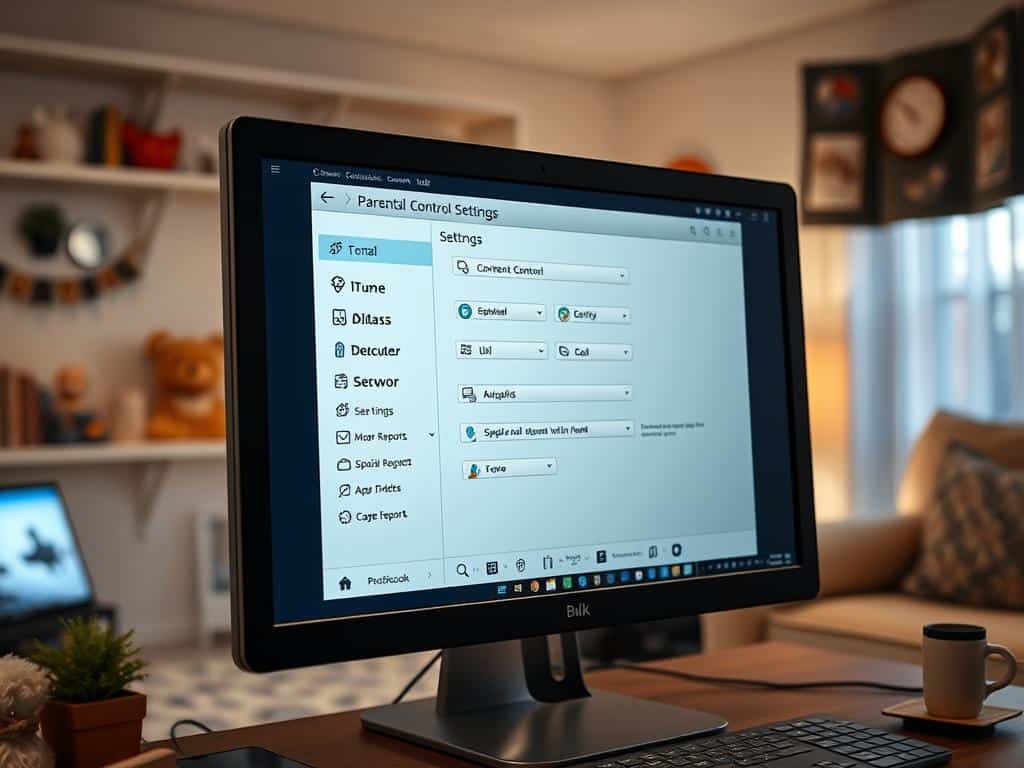
Setting up parental controls can make your family’s online space safer. By setting up these controls, I can manage my kids’ internet use. This guide will show you how to get into your router’s settings, set up controls, and look at third-party apps for extra safety.
Accessing Your Router’s Settings
To start, I need to get into my router’s settings. I do this by typing the router’s IP address into a web browser. Common addresses are 192.168.1.1 or 192.168.0.1. After typing in the address, a login page asks for my username and password. These are usually found on the router or in its manual.
If I forget my login info, I can reset it using the router’s app. Once logged in, I can find and set up the parental control features. This is a key step in keeping my kids safe online.
Configuring Parental Control Features
In the parental controls section, I can manage my kids’ Wi-Fi access. I can set limits on how much time they spend online, schedule when they can use the internet, and block websites I don’t want them to see. Some routers, like Netgear’s, have apps like Nighthawk to help manage these settings.
It’s important to check and update these settings regularly. This ensures they stay relevant to my child’s changing needs.
Using Third-Party Software and Apps
If my router doesn’t have enough controls, I can use third-party apps. For example, Circle Home Plus connects to my router to manage online access. These apps offer extra safety features, like time limits, to encourage kids to use their time wisely.
They help teach my kids how to use the internet responsibly. This way, they can have a healthy online experience.
Conclusion
Setting up parental controls is key to keeping my child safe online. The internet can be risky, but controls help block bad content. They also teach my child to use the internet wisely.
But, some say these controls aren’t enough. Studies show they might not keep kids safe and engaged. As a parent, I need to find a balance. This balance helps my child learn without being too restricted.
Being proactive about online safety is important. Talking to my child about the internet and setting controls together is helpful. Using tools like Safes Family can make us both stronger. This way, we can navigate the digital world together, safely and responsibly.


How to Set Up Internet for a Smart Home

What is Bandwidth and Why Does It Matter?

Using Public Wi-Fi? Here’s How to Stay Safe
About The Author
