Top Backup Tools to Protect Your Precious Data
Did you know that nearly 70% of consumers lose data due to accidents, hardware failures, or malware? In today’s digital world, losing important files is a big risk. It’s vital to have good backup tools to keep your data safe.
Software like EaseUS Todo Backup, Acronis True Image, and IDrive are great for this. They offer solid protection and make backups easy. These tools use cloud services and external drives to keep your files safe. With a good backup plan, you can avoid losing data to system crashes or ransomware.
Key Takeaways
- 70% of consumers experience data loss from various threats.
- Reliable backup tools are essential for safeguarding digital files.
- Backup software like EaseUS Todo Backup can automate the process.
- Cloud services and external drives provide flexible data management.
- A good backup strategy helps avoid data loss.
Importance of Data Backup for Protection
Knowing how vital data backup is is key for anyone who cares about their digital stuff. Data loss can happen due to many reasons like hardware failure, malware, and natural disasters. These threats can ruin your files.
Studies show that up to 30% of computers in the U.S. might have malware. Hard drives usually last only three to five years. This shows how important a good backup plan is.
Understanding Data Loss Risks
Data loss can come from many sources. Hardware problems can stop you from accessing important files when you need them most. Natural disasters like lightning, tornadoes, and floods can also damage your data if they hit your devices.
Thinking about losing your valuable data can be scary. Knowing these risks makes it clear how critical backup is.
The Role of Backup in Data Security
A solid backup plan greatly boosts data security. Using a 3-2-1 backup strategy is a common practice. It means having three copies of your data: two in different formats and one off-site.
Options like external hard drives and cloud storage are popular. They offer lots of storage, with some even giving you unlimited space. Backing up regularly, like every day or week, keeps your data safe and easy to get back if disaster strikes.
Choosing a trusted backup provider that encrypts your data is key. This keeps your sensitive info safe. Automated features make backing up easier, so you can focus on other things.
Effective Backup Tools for Your Needs
Choosing the right backup solution is key to protecting my data. There are many options, each suited for different needs. Whether I need a local or online backup, knowing my options helps me pick the best tool.
Different Types of Backup Solutions
I have two main choices: local and online backups. Local backups store data on external drives or NAS devices. They offer quick access but need careful management to avoid loss.
Online backups, on the other hand, store data on remote servers. This protects my data from local disasters. It also lets me access my files from anywhere, making data recovery easier.
Comparison of Popular Backup Tools
Many backup tools are popular in the market. HYCU is seen as the top choice for enterprise backup. It offers simple data protection and works well with hybrid and multi-cloud environments.
Veeam is also well-liked for its integrated solutions. It provides modern data protection for large-scale needs. Many users find it effective for backup and recovery.
Acronis True Image is a favorite for its wide backup capabilities. Backup Assist is great for those on a budget. CloudBerry Backup and StorageCraft are also in the running, but opinions on tools like Backup Exec vary.
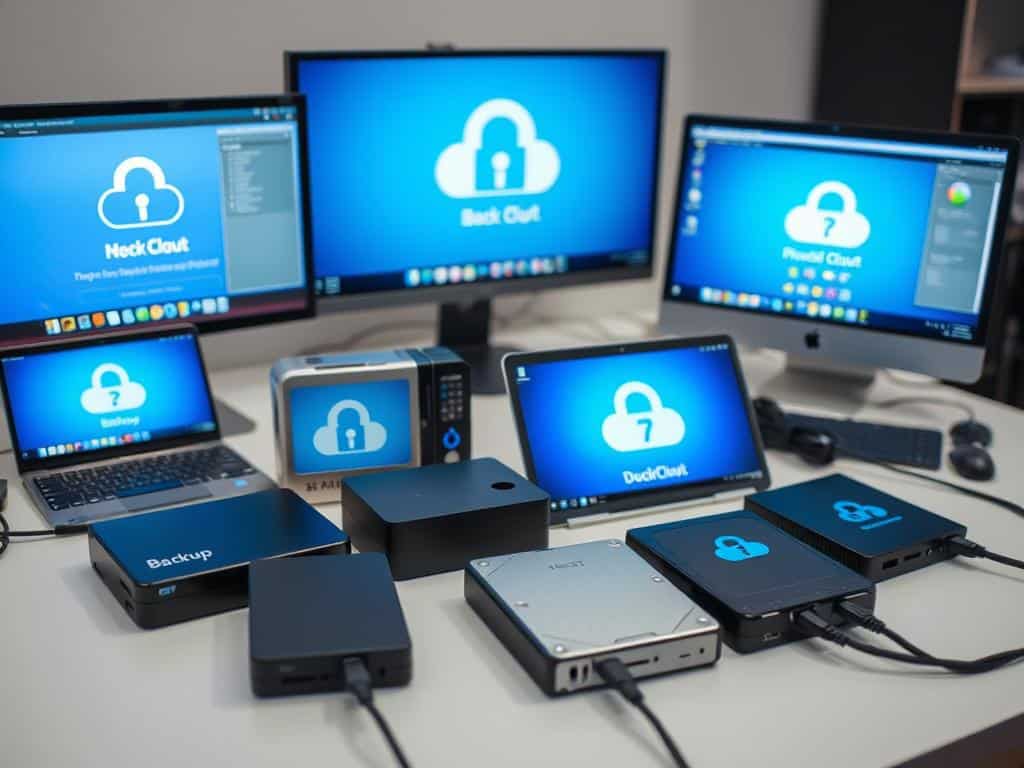
By looking at the features and user feedback, I can find the best tool for me. I can choose based on ease of use, cost, or specific features like ransomware protection or file syncing.
Backup Tools: Choosing the Right One for You
Securing my data is a big deal, and picking the right backup tools is key. A good backup solution keeps my info safe and fits well with my data protection plan. It’s also important to set up regular backups to keep my data safe.
Regular Backup Scheduling
In today’s fast world, a steady backup plan is essential. Many tools let me pick how often I back up, like daily or weekly. This way, I catch up on changes quickly.
Also, about 75% of small to medium-sized businesses don’t back up half their data. Knowing what I need helps keep my data safe.
Having a solid backup plan is part of being proactive about data protection. With data loss happening often, being ready is critical. Remember, 60% of businesses that lose important data shut down within six months.
Using cloud storage or hybrid systems makes backing up easier. These solutions help me stick to my backup plan, reduce mistakes, and feel secure. An automated system saves me time and lets me focus on other important tasks.
Conclusion
Having a good data backup plan is key to keeping my digital stuff safe. Losing data can happen for many reasons, like hardware failure or cyber attacks. So, it’s important to back up my data regularly.
Looking into different backup options, I see how important they are. Tools like ShareArchiver let me back up to local drives or the cloud. This keeps my data safe and easy to get to when I need it.
Following best practices with these tools helps keep my digital world secure. Using a mix of local and cloud backups, and knowing what each tool can do, helps a lot. This way, I can rest easy knowing my data is safe from loss or breaches.


Top 10 Must-Know Computer Hardware Facts

DIY PC Building: Build Your Dream Machine

How Green Computing Can Save the Planet
About The Author
